Xtream Codes Setup
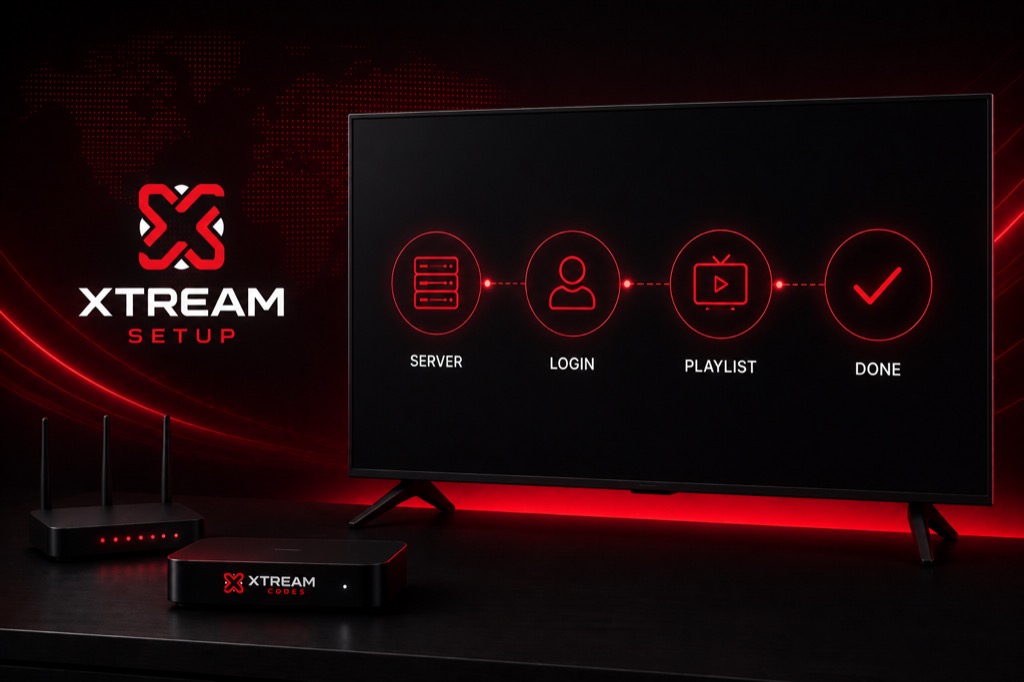

Complete guide to setting up Xtream Codes on any device. Follow these steps to configure your IPTV service quickly and easily.
For Samsung and LG Smart TVs, you’ll need to use apps like SS IPTV or Smart IPTV. Note that these apps typically require M3U format. Ask your provider for an M3U URL or use the Xtream Codes to M3U converter.
→ IPTV Smarters Setup
→ TiviMate Guide
→ Firestick Setup
Setup typically takes 2-3 minutes. Most of the time is spent waiting for the channel list to download from the server.
Yes, you need to enter your credentials on each device, but you use the same username, password, and server URL.
Yes, once you add your credentials to an app, they’re saved. You won’t need to enter them again unless you reinstall the app.
Check your credentials are correct, ensure server URL has no http://, verify your subscription is active, and check your internet connection.
Install an IPTV player on each device and enter the same credentials. Most providers allow 1-3 simultaneous connections.