IPTV Optimization Guide
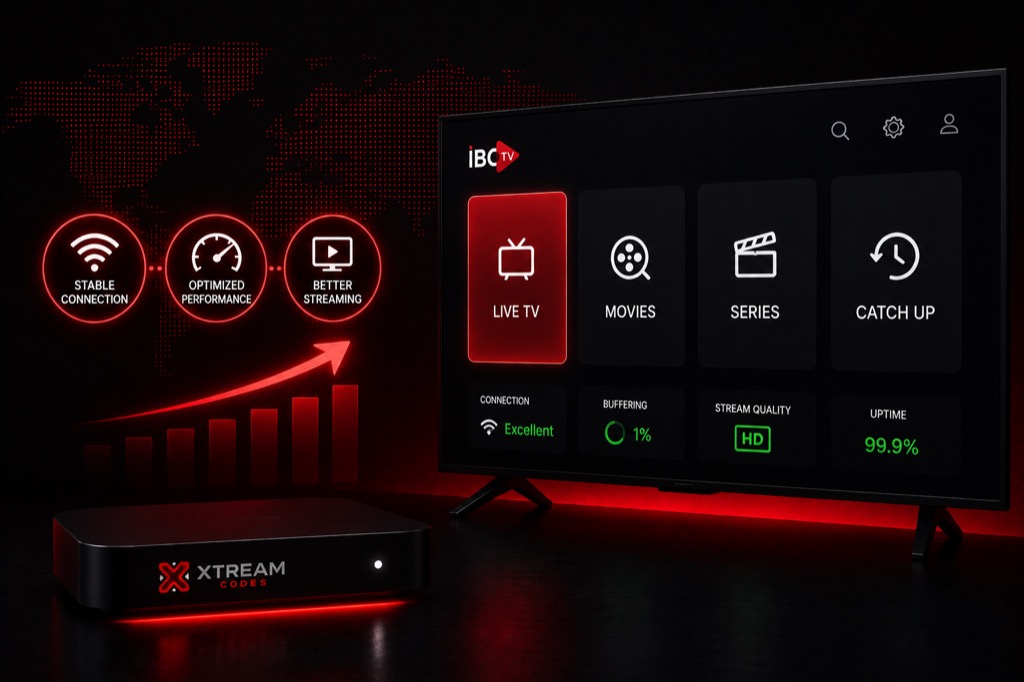
Maximize your IPTV streaming quality with these optimization techniques. Learn how to configure your setup for the best possible viewing experience.
Network Optimization
- Use Ethernet: Wired connection is always better than WiFi
- Router Placement: Place router centrally if using WiFi
- 5GHz WiFi: Use 5GHz band instead of 2.4GHz
- QoS Settings: Prioritize streaming traffic in router
- Close Background Apps: Free up bandwidth
Player Settings Optimization
- Hardware Acceleration: Enable in player settings
- Buffer Size: Increase to 10-20 seconds
- Video Decoder: Try different decoders (HW, SW, HW+)
- Audio Passthrough: Enable for better audio quality
- External Player: Use VLC or MX Player if needed
Device Optimization
- Clear Cache: Regularly clear app cache
- Close Apps: Close unused background apps
- Restart Device: Restart weekly for best performance
- Update Apps: Keep IPTV player updated
- Storage Space: Ensure adequate free storage
Video Quality Settings
- Auto Quality: Let app choose best quality
- Manual Selection: Lower quality if buffering
- HD vs SD: HD needs 10+ Mbps, SD needs 5+ Mbps
- 4K Streaming: Requires 25+ Mbps connection
- Adaptive Streaming: Enable if available
EPG Optimization
- EPG Source: Use provider’s EPG for accuracy
- Update Frequency: Set to update daily
- EPG Cache: Clear if showing wrong data
- Time Zone: Ensure correct time zone setting
- EPG Offset: Adjust if times are incorrect
Advanced Optimizations
- DNS Settings: Use Google DNS (8.8.8.8) or Cloudflare (1.1.1.1)
- MTU Size: Optimize MTU in router (usually 1500)
- Port Forwarding: May help with specific services
- Firewall: Allow IPTV app through firewall
- VPN Split Tunneling: Route only IPTV through VPN
Maintenance Tips
- Clear cache weekly
- Restart device monthly
- Update apps regularly
- Test internet speed monthly
- Check for provider updates
- Monitor data usage
Related Guides
→ Firestick Setup
→ IPTV Smarters Guide
→ Xtream Codes Setup
Frequently Asked Questions
❓ How can I improve IPTV streaming quality?
Use wired connection, enable hardware acceleration, increase buffer size, use VPN to bypass throttling, and ensure minimum 10 Mbps internet speed.
❓ What is the best buffer size for IPTV?
Set buffer to 10-20 seconds. Higher buffer reduces interruptions but may cause slight delay in live TV.
❓ Should I use hardware or software decoder?
Try hardware decoder first (uses GPU). If issues occur, switch to software decoder (uses CPU).
❓ How do I optimize IPTV on Firestick?
Use Ethernet adapter, enable hardware acceleration, clear cache regularly, close background apps, and use external player.
❓ Does VPN improve IPTV quality?
Yes, if your ISP throttles IPTV traffic. VPN bypasses throttling and can significantly improve streaming quality.