How to Add IPTV Playlist
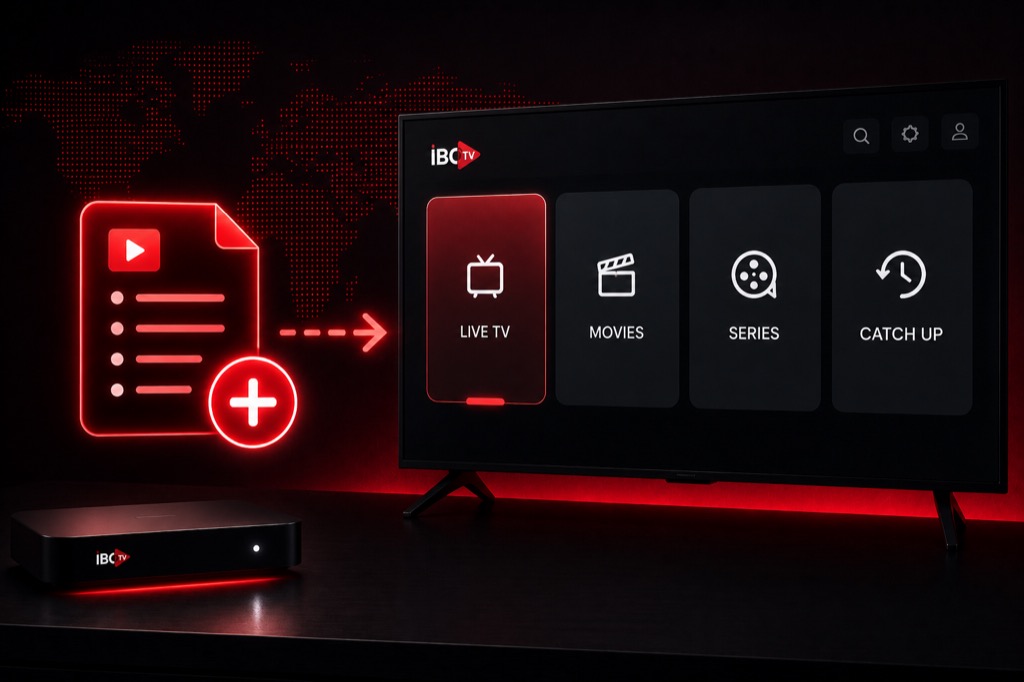
Learn how to add IPTV playlists to your favorite players. This comprehensive guide covers M3U URLs and Xtream Codes setup on all major platforms.
What You Need
- IPTV subscription (M3U URL or Xtream Codes)
- IPTV player app installed
- Stable internet connection
- Your provider’s credentials or playlist URL
Add M3U Playlist – IPTV Smarters
- Open IPTV Smarters Pro
- Tap Add New User
- Select Load Your Playlist or File/URL
- Enter playlist name
- Paste your M3U URL
- Tap Add User
- Wait for channels to load
Add Xtream Codes – IPTV Smarters
- Open IPTV Smarters Pro
- Tap Add New User
- Select Login with Xtream Codes API
- Enter your Username
- Enter your Password
- Enter Server URL (without http://)
- Tap Add User
- Channels will load automatically
Add Playlist – TiviMate
- Open TiviMate
- Click Add Playlist
- Choose Xtream Codes or M3U URL
- Enter playlist name
- Enter credentials or URL
- Click OK
- Configure EPG if needed
Add Playlist – VLC
- Open VLC Media Player
- Click Media → Open Network Stream
- Paste your M3U URL
- Click Play
- To save: Media → Save Playlist
Common Issues
- Playlist Not Loading: Check URL is correct and active
- No Channels: Verify subscription is active
- Wrong Format: Ensure you’re using correct method (M3U vs Xtream)
- Slow Loading: Check internet connection speed
Related Guides
→ Firestick Setup
→ IPTV Smarters Guide
→ Xtream Codes Setup
Frequently Asked Questions
❓ How do I get my IPTV playlist URL?
Your IPTV provider will send you the M3U URL or Xtream Codes credentials via email after you subscribe.
❓ Can I add multiple playlists?
Yes, most IPTV players support multiple playlists. You can add different services and switch between them.
❓ Do I need to add playlist on each device?
Yes, you need to add the playlist on each device separately, but you use the same URL or credentials.
❓ How often should I update my playlist?
M3U playlists may need manual updates when channels change. Xtream Codes updates automatically.
❓ What if my playlist stops working?
Check if your subscription is active, verify the URL is correct, and contact your provider if issues persist.