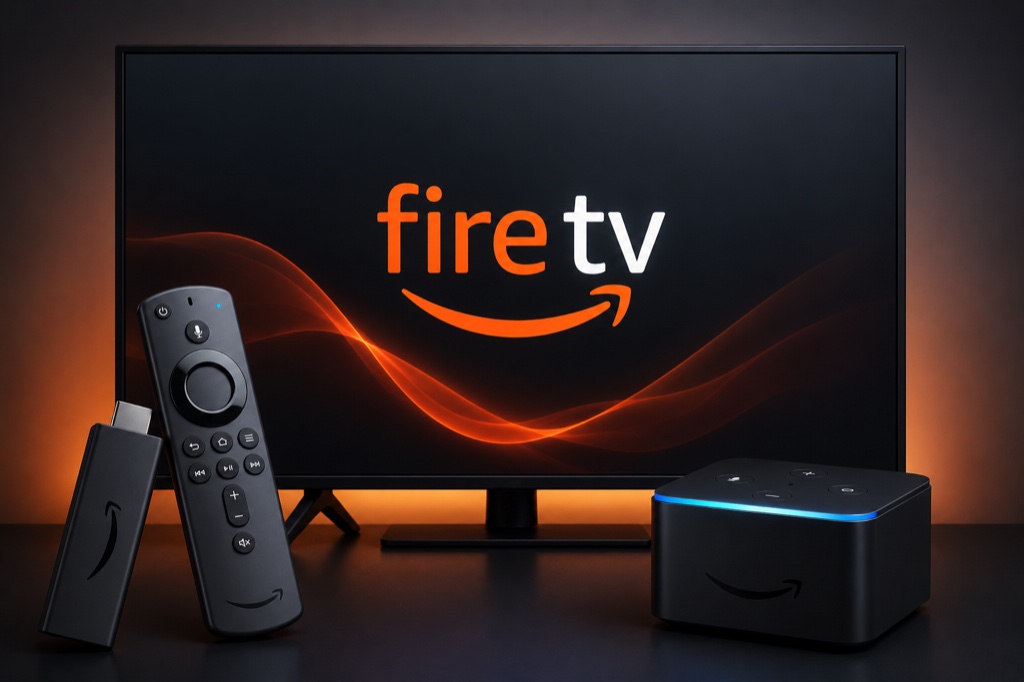
Amazon Firestick is one of the most popular devices for IPTV streaming. This guide will show you how to install and configure IPTV on your Firestick device.
Requirements
- Amazon Firestick or Fire TV device
- Active IPTV subscription with Xtream Codes or M3U URL
- Stable internet connection (minimum 10 Mbps)
- Amazon account
Method 1: IPTV Smarters Pro
- From Firestick home screen, go to Settings
- Select My Fire TV or Device
- Click on Developer Options
- Turn on Apps from Unknown Sources
- Click Turn On when prompted to confirm
- Return to home screen and open Search
- Type “Downloader” and install the Downloader app
- Open Downloader and enter the IPTV Smarters APK URL
- Download and install IPTV Smarters Pro
- Open IPTV Smarters and select Login with Xtream Codes API
- Enter your IPTV credentials (Username, Password, Server URL)
- Click Add User and wait for channels to load
Method 2: Alternative Method – TiviMate
- Follow steps 1-7 above to enable Unknown Sources and install Downloader
- In Downloader, enter TiviMate APK URL
- Install TiviMate application
- Open TiviMate and click Add Playlist
- Choose Xtream Codes or M3U URL
- Enter your IPTV provider details
- Click OK and enjoy streaming
Troubleshooting
Buffering Issues
- Check your internet speed (minimum 10 Mbps recommended)
- Use wired Ethernet connection instead of Wi-Fi
- Lower video quality in player settings
- Close other apps and restart device
- Try a different server from your provider
Channels Not Loading
- Verify your IPTV subscription is active
- Double-check login credentials (username/password)
- Ensure server URL is correct
- Contact your IPTV provider for support
- Try alternative IPTV player app
Related Guides
Frequently Asked Questions
1. Is IPTV legal on Firestick?
IPTV itself is legal. However, streaming copyrighted content without permission is illegal. Always use legitimate IPTV services.
2. Which IPTV player is best for Firestick?
IPTV Smarters Pro and TiviMate are the most popular choices. Both support Xtream Codes API and offer excellent features.
3. Why is my IPTV buffering on Firestick?
Buffering is usually caused by slow internet speed. Use an Ethernet connection and close background apps for better performance.
4. Do I need to jailbreak Firestick for IPTV?
No, you don’t need to jailbreak. Simply enable “Apps from Unknown Sources” in Developer Options to install IPTV apps.
5. Can I use a VPN with IPTV on Firestick?
Yes, using a VPN is recommended for privacy and security. Install a VPN app from the Amazon App Store before setting up IPTV.