Xtream Codes Login
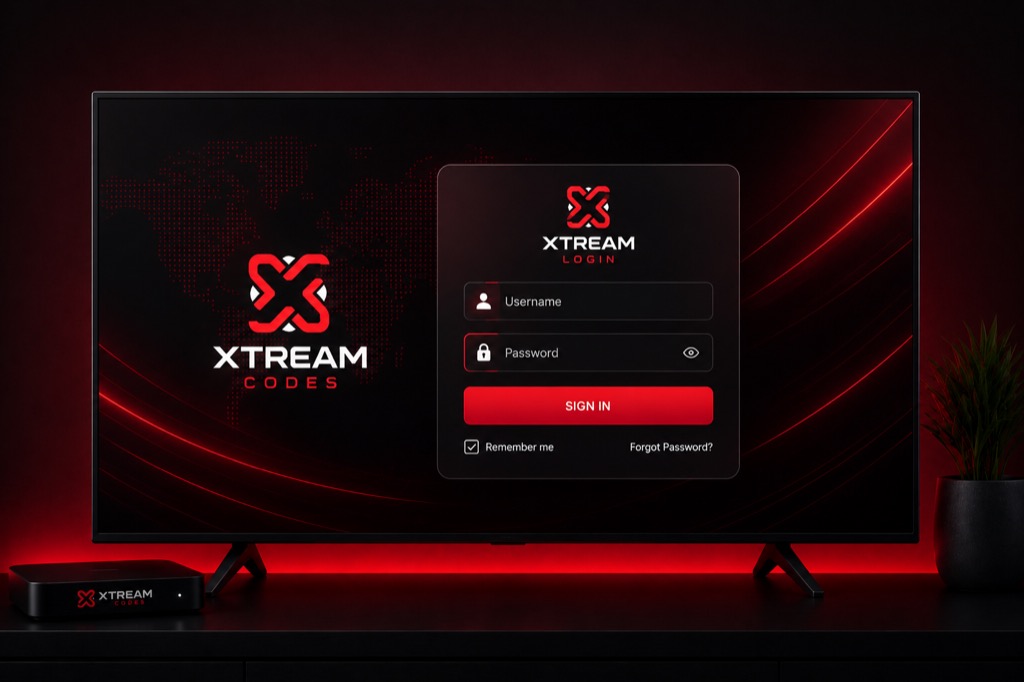
Learn how to login to your IPTV service using Xtream Codes credentials. This guide covers login steps for all major IPTV players.
What You Need
- Username: Your IPTV account username
- Password: Your IPTV account password
- Server URL: Your provider’s server address
- IPTV Player App: Installed on your device
Login Steps – IPTV Smarters Pro
- Open IPTV Smarters Pro
- Tap Add New User
- Select Login with Xtream Codes API
- Enter your Username
- Enter your Password
- Enter Server URL (without http://)
- Tap Add User
- Wait for channels to load
Login Steps – TiviMate
- Open TiviMate
- Click Add Playlist
- Select Xtream Codes
- Enter playlist name
- Enter Username
- Enter Password
- Enter Server URL
- Click OK
Common Login Issues
- Invalid Credentials: Double-check username and password (case-sensitive)
- Server URL Error: Remove http:// or https:// from URL
- Connection Failed: Check your internet connection
- Subscription Expired: Contact your IPTV provider
- Too Many Connections: Logout from other devices
Related Guides
→ IPTV Smarters Setup
→ TiviMate Guide
→ Firestick Setup
Frequently Asked Questions
❓ Where do I find my Xtream Codes login?
Your IPTV provider will send you the login credentials (username, password, server URL) via email or their website after you subscribe.
❓ Why is my Xtream Codes login not working?
Check that credentials are correct (case-sensitive), remove http:// from server URL, verify your subscription is active, and ensure you’re not exceeding connection limits.
❓ Can I share my Xtream Codes login?
Most providers allow multiple devices but limit simultaneous connections. Sharing with others may violate terms of service.
❓ How do I change my Xtream Codes password?
Contact your IPTV provider to change your password. You cannot change it yourself as it’s managed by the provider.
❓ What if I forgot my Xtream Codes login?
Contact your IPTV provider’s support team. They can resend your credentials or reset your account.