TiviMate – Complete Guide
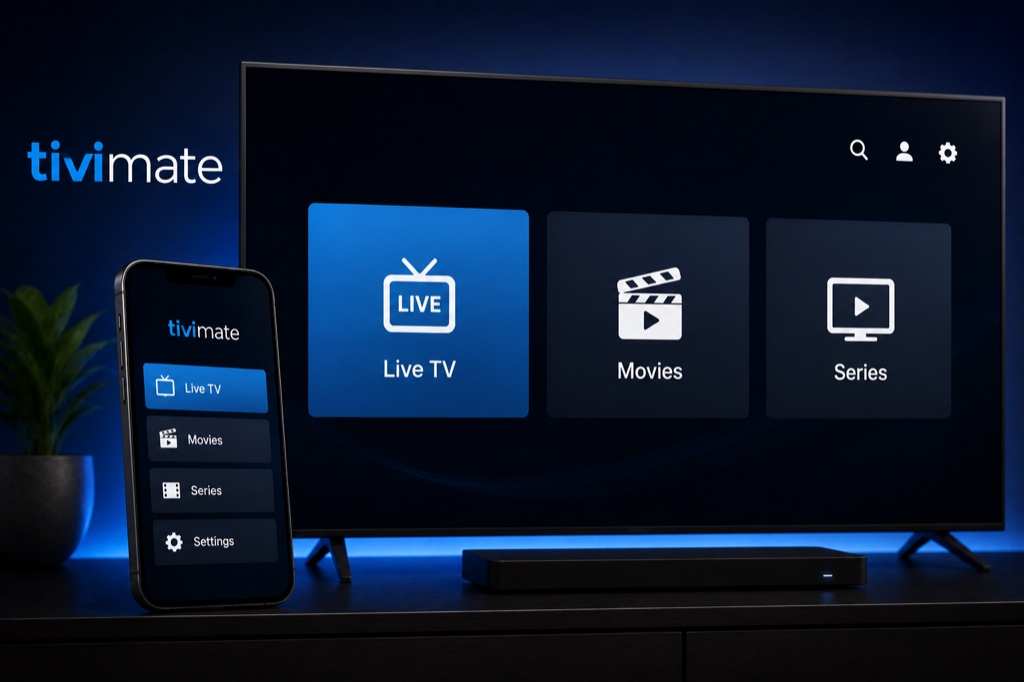
TiviMate is a premium IPTV player for Android TV with a beautiful interface and advanced features. Considered one of the best IPTV players available.
Key Features
- Beautiful and intuitive user interface
- Multiple playlist support
- EPG with multiple sources
- Catch-up TV and recording (Premium)
- TV archive support
- Favorites and custom channel groups
- Parental control
- Picture-in-Picture mode
- Chromecast support
Supported Platforms
- Android TV (Sony, TCL, Hisense)
- Android TV boxes (Nvidia Shield, Mi Box)
- Amazon Firestick and Fire TV
- Chromecast with Google TV
Setup Guide
- Download TiviMate from Google Play Store
- Open TiviMate app
- Click Add Playlist
- Select playlist type: Xtream Codes or M3U URL
- For Xtream Codes: Enter Username, Password, Server URL
- For M3U: Enter playlist name and URL
- Click OK to save
- Wait for channels to load
- Configure EPG sources in settings
- Enjoy premium IPTV experience
Troubleshooting
App Not Loading Channels
- Verify your IPTV subscription is active
- Check your internet connection
- Double-check login credentials (case-sensitive)
- Ensure server URL is correct (no http:// or trailing slash)
- Try removing and re-adding the playlist
Buffering Issues
- Check internet speed (minimum 10 Mbps recommended)
- Use wired connection instead of WiFi
- Enable hardware acceleration in settings
- Lower video quality if available
- Clear app cache and restart
Frequently Asked Questions
❓ Is TiviMate free?
TiviMate is free to use with basic features. TiviMate Premium unlocks advanced features like recording, multiple playlists, and no ads.
❓ How much does TiviMate Premium cost?
TiviMate Premium costs around /year or for lifetime access. It’s a one-time payment per Google account.
❓ Does TiviMate work on Firestick?
Yes, TiviMate works perfectly on Amazon Firestick and Fire TV devices. You can sideload it using Downloader app.
❓ Can TiviMate record live TV?
Yes, TiviMate Premium includes recording capabilities. You can record live TV and schedule recordings.
❓ Does TiviMate support multiple playlists?
Yes, TiviMate Premium supports unlimited playlists. Free version is limited to one playlist.
Related Guides
→ Firestick Setup
→ Android TV Guide
→ Fix Buffering