How to Fix IPTV Buffering
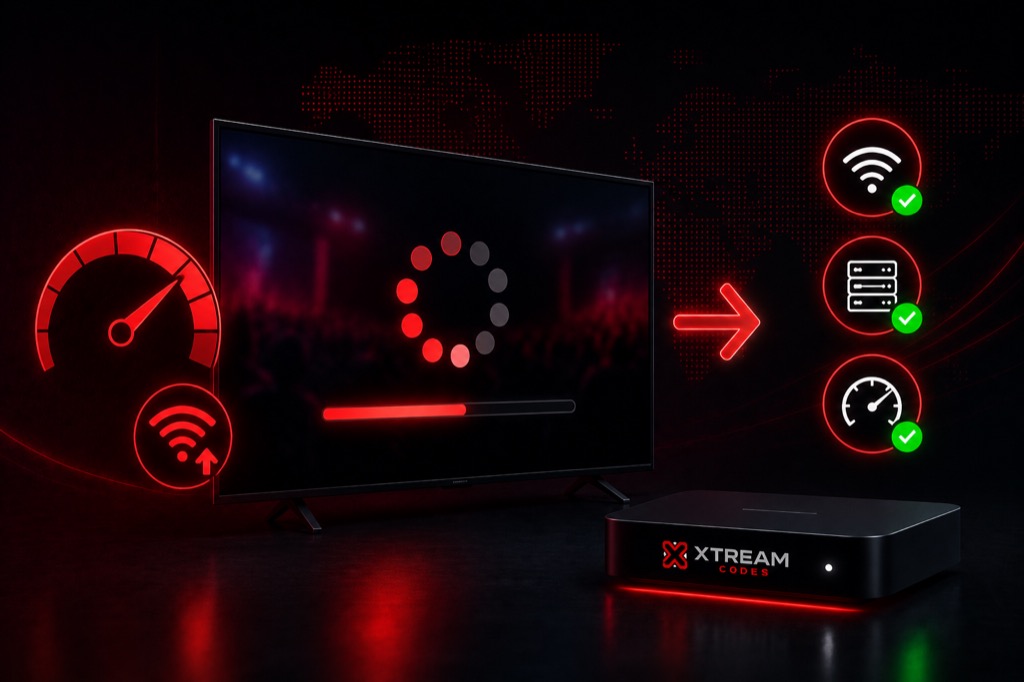
Buffering is the most common IPTV issue. This comprehensive guide provides proven solutions to eliminate buffering and enjoy smooth streaming.
Common Causes of Buffering
- Slow internet connection (below 10 Mbps)
- WiFi interference or weak signal
- ISP throttling IPTV traffic
- Overloaded IPTV server
- Device performance issues
- Incorrect player settings
Solution 1: Check Internet Speed
- Test your speed at fast.com or speedtest.net
- Minimum required: 10 Mbps for HD
- Recommended: 25+ Mbps for 4K
- If speed is low, contact your ISP
- Consider upgrading your internet plan
Solution 2: Use Wired Connection
- Connect device via Ethernet cable
- WiFi can be unstable and slow
- Wired connection provides consistent speed
- Reduces interference and packet loss
- Best solution for streaming devices
Solution 3: Enable Hardware Acceleration
- Open your IPTV player settings
- Find Player Settings or Video Settings
- Enable Hardware Acceleration
- This uses GPU instead of CPU for video decoding
- Significantly improves performance
Solution 4: Use External Player
- Try VLC Player or MX Player
- Go to app settings → Player
- Select external player
- External players often handle streams better
- Especially helpful on older devices
Solution 5: Use VPN
- ISPs often throttle IPTV traffic
- VPN encrypts traffic and bypasses throttling
- Choose fast VPN servers
- Recommended: ExpressVPN, NordVPN, Surfshark
- Connect to nearby server for best speed
Solution 6: Adjust Buffer Settings
- Increase buffer size in player settings
- Higher buffer = more pre-loaded content
- Reduces interruptions during playback
- May cause slight delay in live TV
- Worth the trade-off for smooth streaming
Solution 7: Clear Cache
- Go to device Settings → Apps
- Find your IPTV player
- Tap Clear Cache
- Restart the app
- Do this regularly for best performance
Related Guides
→ Firestick Setup
→ IPTV Smarters Guide
→ Xtream Codes Setup
Frequently Asked Questions
❓ Why does my IPTV keep buffering?
Most buffering is caused by slow internet speed, WiFi issues, or ISP throttling. Use wired connection and ensure minimum 10 Mbps speed.
❓ Will VPN fix IPTV buffering?
Yes, if your ISP is throttling IPTV traffic. VPN can bypass throttling and improve streaming quality.
❓ Does hardware acceleration help with buffering?
Yes, hardware acceleration uses GPU for video decoding, reducing CPU load and improving playback performance.
❓ What internet speed do I need for IPTV?
Minimum 10 Mbps for HD, 25+ Mbps for 4K. Higher speed provides buffer for multiple devices and better quality.
❓ Can I fix buffering on Firestick?
Yes, use Ethernet adapter, enable hardware acceleration, use external player, clear cache, and consider using VPN.