Smart IPTV – Complete Guide
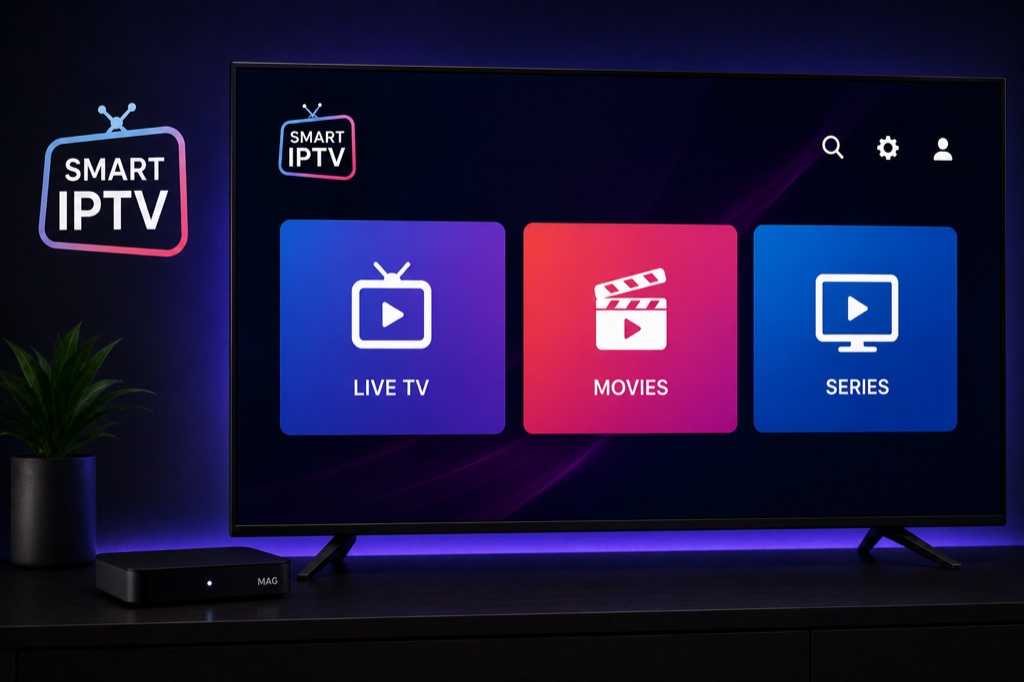
Smart IPTV is a simple and reliable IPTV player for Smart TVs. Popular on Samsung and LG TVs with easy setup and stable performance.
Key Features
- Simple and user-friendly interface
- M3U playlist support
- EPG support
- Parental control
- Favorites management
- Auto-update playlists
- Multi-language support
- Remote control friendly
Supported Platforms
- Samsung Smart TV (2015+)
- LG Smart TV (webOS)
- Android TV
- Amazon Firestick
- iOS and Android devices
Setup Guide
- Open app store on your Smart TV
- Search for Smart IPTV
- Download and install the app
- Open Smart IPTV
- Note the MAC address shown on screen
- Visit siptv.eu/activation on your computer
- Enter your MAC address
- Upload your M3U playlist file or enter URL
- Pay the one-time activation fee (€5.49)
- Restart Smart IPTV app on your TV
- Your channels will load automatically
Troubleshooting
App Not Loading Channels
- Verify your IPTV subscription is active
- Check your internet connection
- Double-check login credentials (case-sensitive)
- Ensure server URL is correct (no http:// or trailing slash)
- Try removing and re-adding the playlist
Buffering Issues
- Check internet speed (minimum 10 Mbps recommended)
- Use wired connection instead of WiFi
- Enable hardware acceleration in settings
- Lower video quality if available
- Clear app cache and restart
Frequently Asked Questions
❓ How much does Smart IPTV cost?
Smart IPTV requires a one-time activation fee of €5.49 (approximately ). This is a lifetime payment per MAC address.
❓ Does Smart IPTV support Xtream Codes?
No, Smart IPTV only supports M3U playlist format. You need to get an M3U URL from your IPTV provider.
❓ How do I activate Smart IPTV?
Note your TV’s MAC address from the app, visit siptv.eu/activation, enter the MAC address, upload your playlist, and pay the activation fee.
❓ Can I use Smart IPTV on multiple TVs?
Each TV requires separate activation. The activation fee is per MAC address (per device).
❓ Why is Smart IPTV not working?
Ensure your MAC address is activated on siptv.eu, your playlist URL is correct, and your TV has internet connection. Try restarting the app.
Related Guides
→ Firestick Setup
→ Android TV Guide
→ Fix Buffering