Kodi – Complete Guide
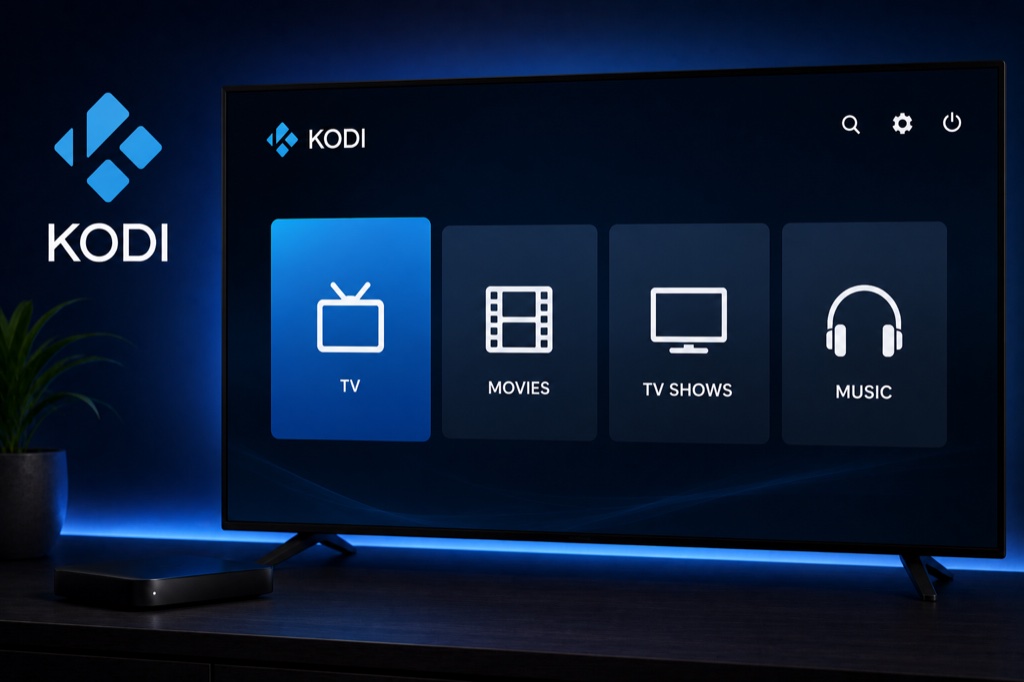
Kodi is a free and open-source media center that supports IPTV through add-ons. Available on all major platforms with extensive customization options.
Key Features
- Free and open-source
- Available on all platforms
- Extensive add-on library
- PVR IPTV Simple Client for IPTV
- Customizable skins and themes
- Media library management
- Remote control support
- Network streaming capabilities
Supported Platforms
- Windows, Mac, Linux
- Android and Android TV
- Amazon Firestick
- iOS (jailbroken)
- Raspberry Pi
- Xbox One
Setup Guide
- Download Kodi from kodi.tv
- Install and launch Kodi
- Go to Add-ons → Download
- Select PVR clients
- Install PVR IPTV Simple Client
- Go to Settings → PVR & Live TV
- Configure IPTV Simple Client
- Enter M3U playlist URL or Xtream Codes details
- Enable the add-on
- Restart Kodi
- Access Live TV from main menu
Troubleshooting
App Not Loading Channels
- Verify your IPTV subscription is active
- Check your internet connection
- Double-check login credentials (case-sensitive)
- Ensure server URL is correct (no http:// or trailing slash)
- Try removing and re-adding the playlist
Buffering Issues
- Check internet speed (minimum 10 Mbps recommended)
- Use wired connection instead of WiFi
- Enable hardware acceleration in settings
- Lower video quality if available
- Clear app cache and restart
Frequently Asked Questions
❓ Is Kodi legal?
Yes, Kodi itself is completely legal. It’s an open-source media player. However, streaming copyrighted content without permission is illegal.
❓ Is Kodi free?
Yes, Kodi is completely free and open-source. There are no subscription fees or hidden costs.
❓ Can Kodi play IPTV?
Yes, Kodi supports IPTV through the PVR IPTV Simple Client add-on. It works with M3U playlists and Xtream Codes.
❓ Does Kodi work on Firestick?
Yes, Kodi works great on Amazon Firestick. You can download it from the Amazon App Store or sideload it.
❓ What is the best Kodi skin for IPTV?
Popular skins for IPTV include Aeon Nox, Confluence, and Arctic Zephyr. Choose based on your preference for interface design.
Related Guides
→ Firestick Setup
→ Android TV Guide
→ Fix Buffering