IPTV on iPhone & iPad
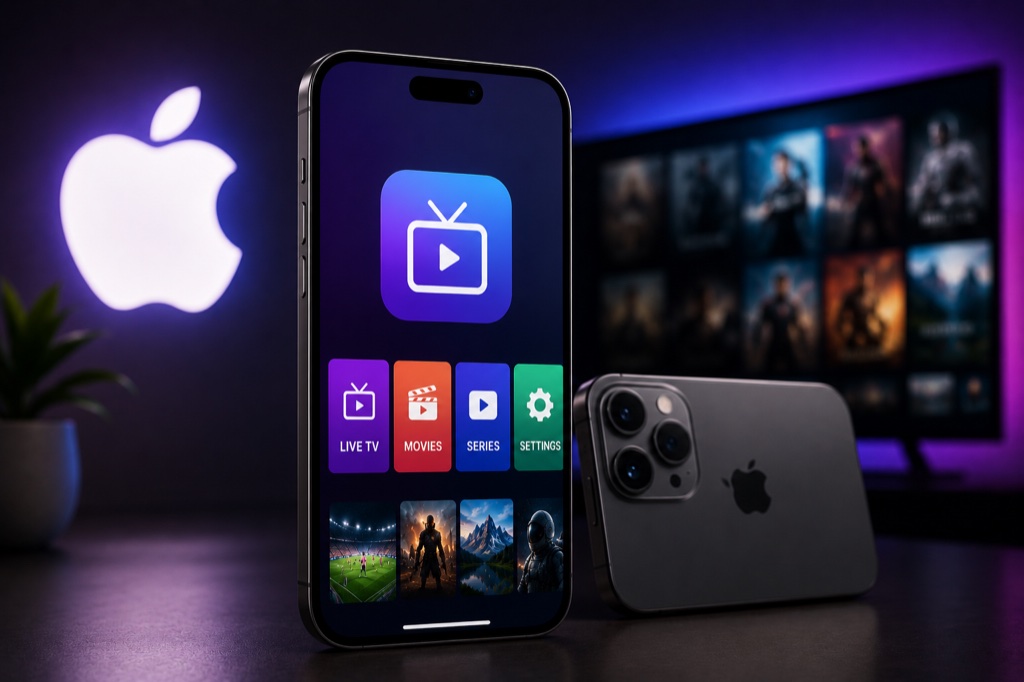
Watch IPTV on your iPhone or iPad with the best iOS apps. Stream live TV, movies, and series on the go with these top-rated IPTV players.
Requirements
- iPhone or iPad running iOS 12 or later
- Active IPTV subscription
- WiFi or cellular data connection
- App Store access
Method 1: IPTV Smarters Pro
- Open App Store on your iPhone/iPad
- Search for IPTV Smarters Pro
- Tap Get to download
- Install and open the app
- Tap Add New User
- Select Login with Xtream Codes API
- Enter your IPTV credentials
- Tap Add User
- Wait for channels to load
- Start streaming on your iOS device
Method 2: GSE Smart IPTV
- Download GSE Smart IPTV from App Store
- Open the app
- Tap the + button
- Choose Xtream Codes API or M3U URL
- Enter your IPTV provider details
- Tap Add to save
- Your channels will load automatically
- Use AirPlay to stream to Apple TV
Troubleshooting
Buffering Issues
- Check your internet speed (minimum 10 Mbps recommended)
- Use wired Ethernet connection instead of WiFi
- Lower video quality in player settings
- Clear app cache and restart device
- Try a different server from your provider
Channels Not Loading
- Verify your IPTV subscription is active
- Double-check login credentials (case-sensitive)
- Ensure server URL is correct
- Contact your IPTV provider for support
- Try alternative IPTV player app
Related Guides
→ IPTV Smarters
→ VPN for iOS
→ Fix Buffering
Frequently Asked Questions
❓ Can I watch IPTV on iPhone?
Yes, you can watch IPTV on iPhone using apps like IPTV Smarters Pro or GSE Smart IPTV from the App Store.
❓ Is IPTV Smarters free on iOS?
Yes, IPTV Smarters Pro is free to download on iOS. You only need to pay for your IPTV subscription.
❓ Can I cast IPTV from iPhone to TV?
Yes, you can use AirPlay to stream IPTV from your iPhone to Apple TV or AirPlay-compatible smart TVs.
❓ Why does IPTV keep crashing on my iPhone?
Try force closing the app, restarting your iPhone, updating the app, or clearing app cache in Settings.
❓ Can I download IPTV channels on iPhone?
Some IPTV apps support offline viewing. Check if your IPTV player app has a download or recording feature.