IPTV on Android TV
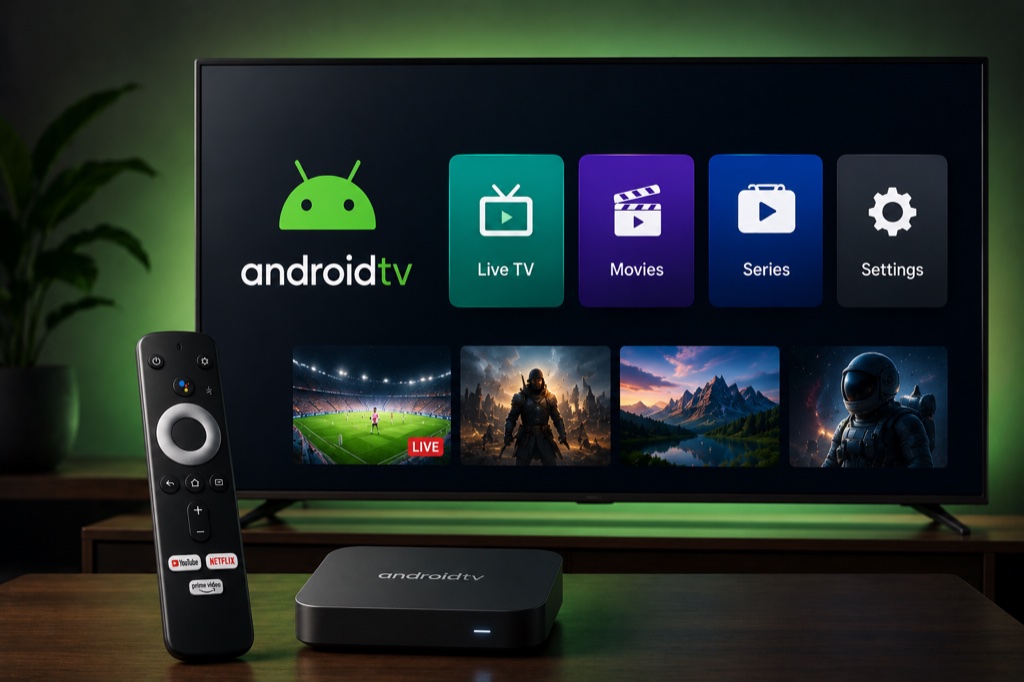
Android TV is one of the best platforms for IPTV with support for all major players. Compatible with Sony, TCL, Hisense, Nvidia Shield, and more.
Requirements
- Android TV device (Smart TV, Box, or Stick)
- Active IPTV subscription
- Google Play Store access
- Stable internet connection (10+ Mbps)
Method 1: IPTV Smarters Pro
- Open Google Play Store on your Android TV
- Search for IPTV Smarters Pro
- Click Install
- Wait for download to complete
- Open IPTV Smarters Pro
- Select Add New User
- Choose Login with Xtream Codes API
- Enter your credentials (Username, Password, Server URL)
- Click Add User
- Wait for channels to load
- Start watching your IPTV channels
Method 2: TiviMate
- Download TiviMate from Google Play Store
- Open TiviMate app
- Click Add Playlist
- Select Xtream Codes or M3U URL
- Enter your IPTV provider details
- Click OK
- Wait for channels to load
- Enjoy premium IPTV interface with EPG
Troubleshooting
Buffering Issues
- Check your internet speed (minimum 10 Mbps recommended)
- Use wired Ethernet connection instead of WiFi
- Lower video quality in player settings
- Clear app cache and restart device
- Try a different server from your provider
Channels Not Loading
- Verify your IPTV subscription is active
- Double-check login credentials (case-sensitive)
- Ensure server URL is correct
- Contact your IPTV provider for support
- Try alternative IPTV player app
Related Guides
→ IPTV Smarters
→ TiviMate Guide
→ Optimization Tips
Frequently Asked Questions
❓ What is the best IPTV app for Android TV?
IPTV Smarters Pro and TiviMate are the top choices. Both offer excellent features, EPG support, and work with Xtream Codes.
❓ Can I install IPTV on any Android TV?
Yes, any Android TV device with Google Play Store access can install IPTV apps. This includes Sony, TCL, Hisense, and Android TV boxes.
❓ Is Android TV good for IPTV?
Yes, Android TV is one of the best platforms for IPTV with wide app compatibility, regular updates, and powerful hardware.
❓ Do I need VPN for IPTV on Android TV?
While not required, a VPN is recommended for privacy and to bypass geo-restrictions. Many VPN apps are available on Google Play Store.
❓ How do I fix buffering on Android TV IPTV?
Use Ethernet connection, enable hardware acceleration in player settings, increase buffer size, and ensure minimum 10 Mbps internet speed.