
IPTV Devices Setup Guides
Learn how to set up IPTV on any device. Our comprehensive guides cover Firestick, Smart TVs, Android devices, iOS, Windows, Mac, and more. Get step-by-step instructions for streaming IPTV on your favorite devices.
Popular IPTV Devices
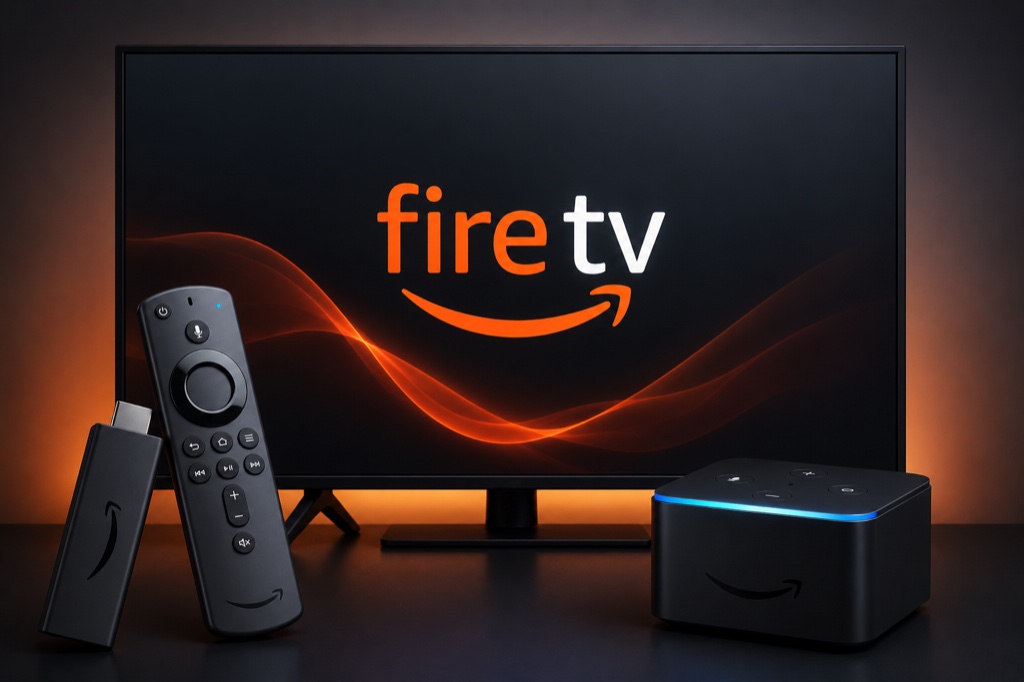
Amazon Firestick
Complete guide to install and configure IPTV on Amazon Firestick and Fire TV. Learn how to use IPTV Smarters, TiviMate, and other popular apps.
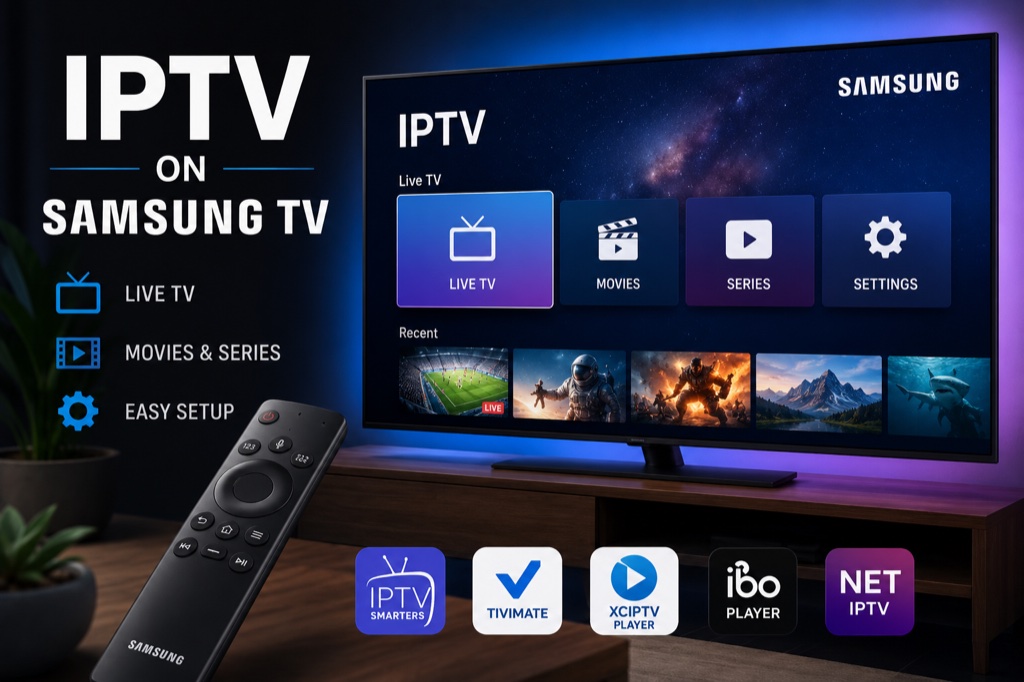
Samsung Smart TV
Set up IPTV on Samsung Smart TV using Smart IPTV or SS IPTV. Step-by-step instructions for all Samsung TV models from 2015 onwards.
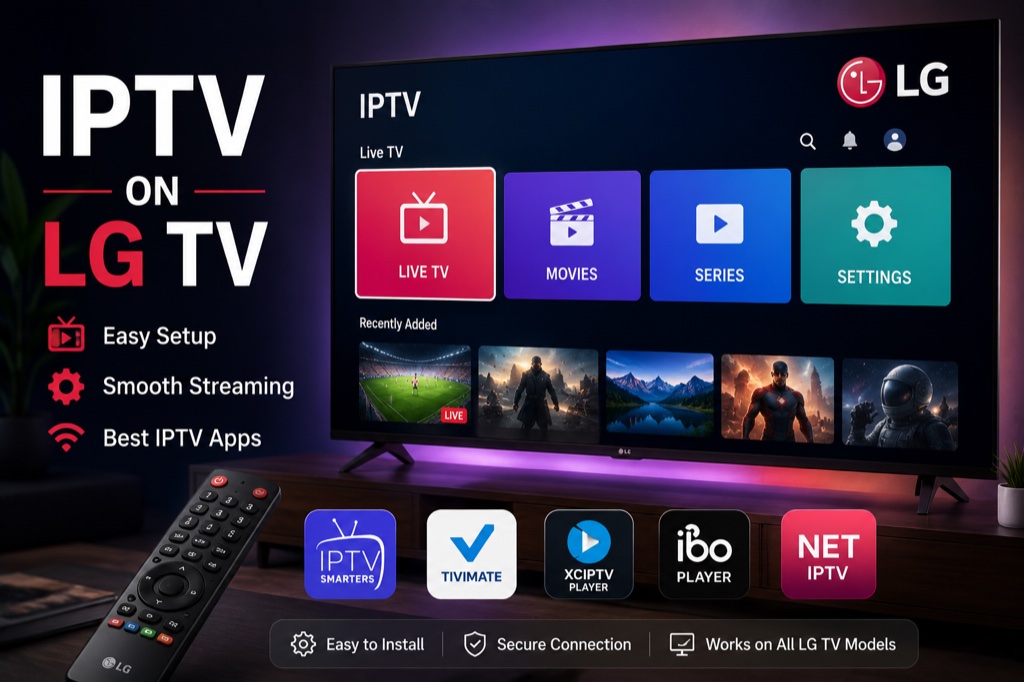
LG Smart TV
Install IPTV on LG Smart TV with webOS. Learn how to use SS IPTV and other compatible apps for seamless streaming.
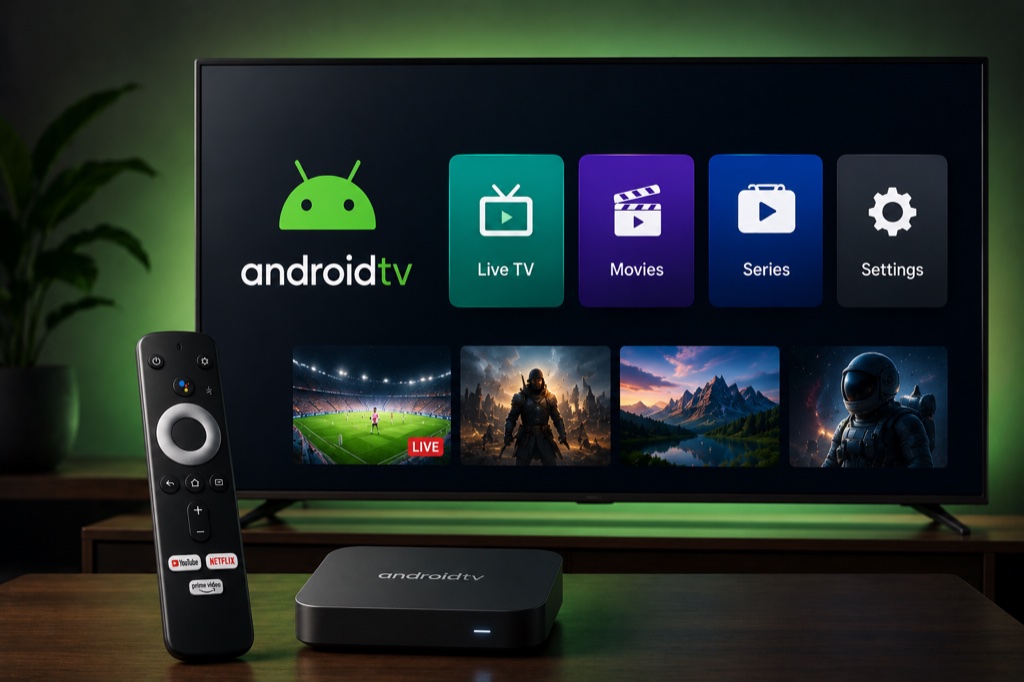
Android TV
Complete Android TV IPTV setup guide. Install IPTV Smarters Pro, TiviMate, and configure Xtream Codes on any Android TV device.
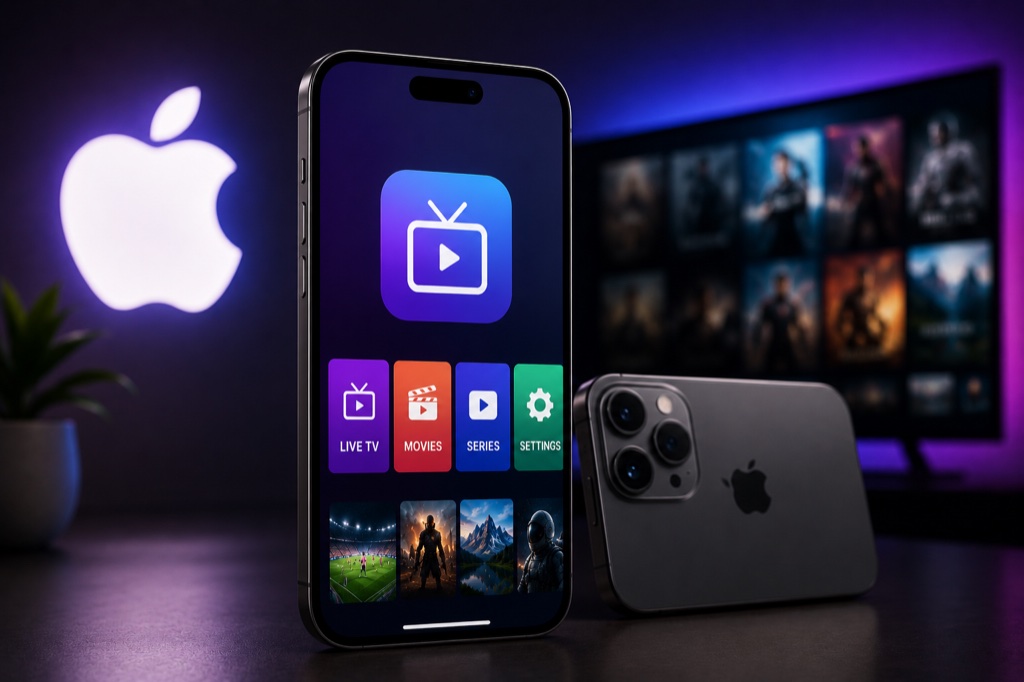
iPhone & iPad
Stream IPTV on iOS devices. Download IPTV Smarters Pro from App Store and configure your Xtream Codes subscription.
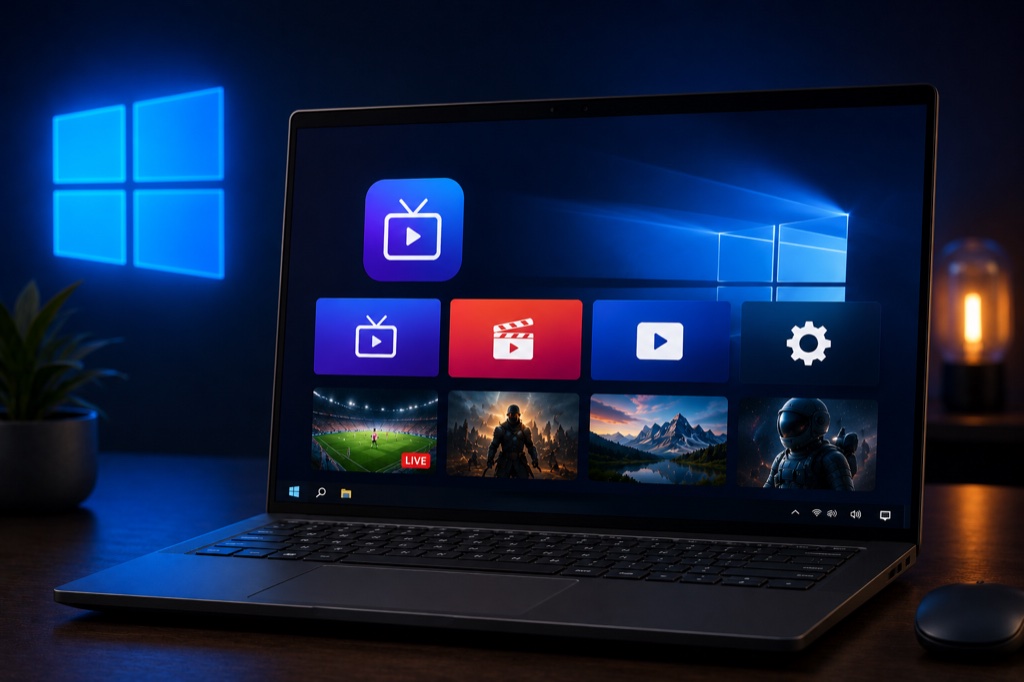
Windows PC
Watch IPTV on Windows PC using VLC Player, IPTV Smarters, or Kodi. Multiple methods for Windows 10 and Windows 11.
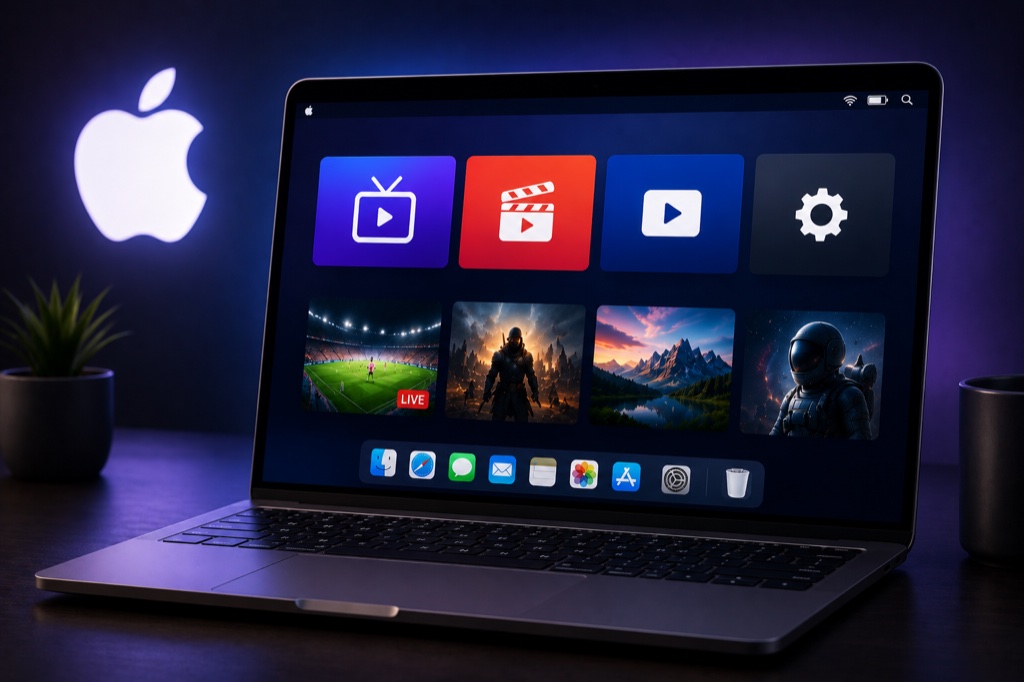
Mac
Set up IPTV on macOS using VLC Media Player, IPTV Smarters, or Kodi. Compatible with all Mac models and macOS versions.
Why Choose IPTV?
- Thousands of Channels: Access live TV from around the world
- On-Demand Content: Watch movies and TV shows anytime
- Multi-Device Support: Stream on any device with internet
- Cost-Effective: More affordable than traditional cable TV
- HD & 4K Quality: Enjoy high-quality streaming